Using Apple Remote Desktop to Manage a Computer Lab

Using Apple Remote Desktop to Manage a Computer Lab

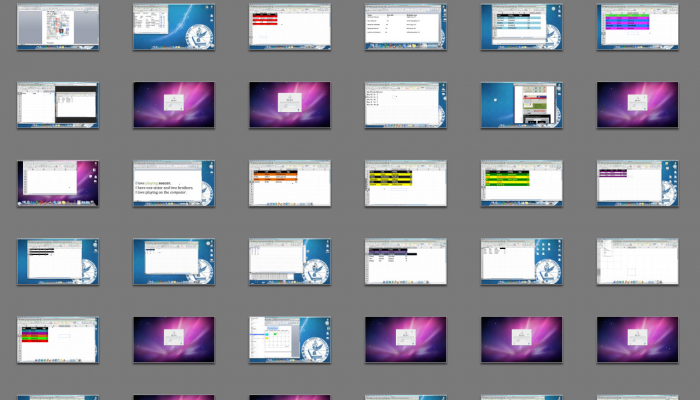
In the computer lab class in my school, my cohort and I have a Promethean ActivBoard and a second screen to create a dual display situation in class. Since the students sit in circles this helps them see the board from different angles (through using a mirroring technique with Remote Desktop). It also allows us to see what each student is doing on their computer since there is no spot in the room that allows us to see every screen at once. By experimenting with Remote Desktop we have learned that we can do more with this software than the two projectors and ActivBoard combined.

Wireless Presentations Using Air Sketch and Dropbox

Wireless Presentations Using Air Sketch and Dropbox

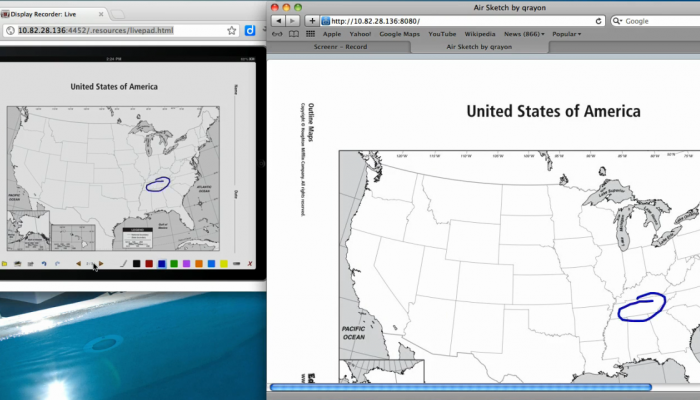
I was recently invited to write a Guest Post on Richard Byrne’s blog FreeTech4Teachers. My topic was on using Air Sketch for iPad along with Dropbox to create a wireless presentation. Check it out at:

Free Tech 4 Teachers

TI Calculator Emulator – Smartview Substitution

TI Calculator Emulator – Smartview Substitution

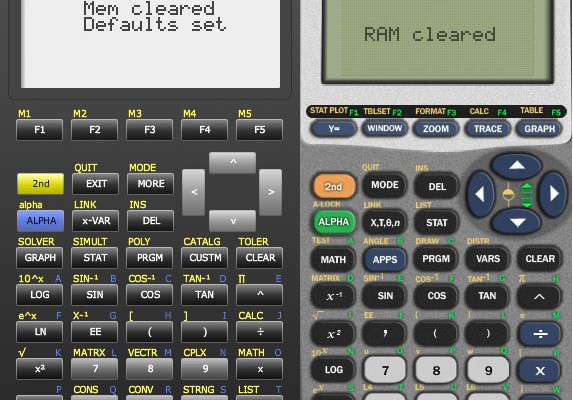
Many of the math teachers in our school like to demonstrate calculator techniques for their students in class. Most will try to get SmartView software to do demos. This software is expensive for some and I have had several teachers struggle to get the software to work correctly. Here are a few alternatives I have found that are all free. One is a free app for Mac/PC. Another is a Flash script that runs in a web page. The last is an Android App. All of these programs require you to have a ‘Rom’ image of the calculator you want to use. If you do not know how to copy the Rom from your TI calculator you could download one from a Google search. To be legal however, you need to actually currently own that model of calculator.